
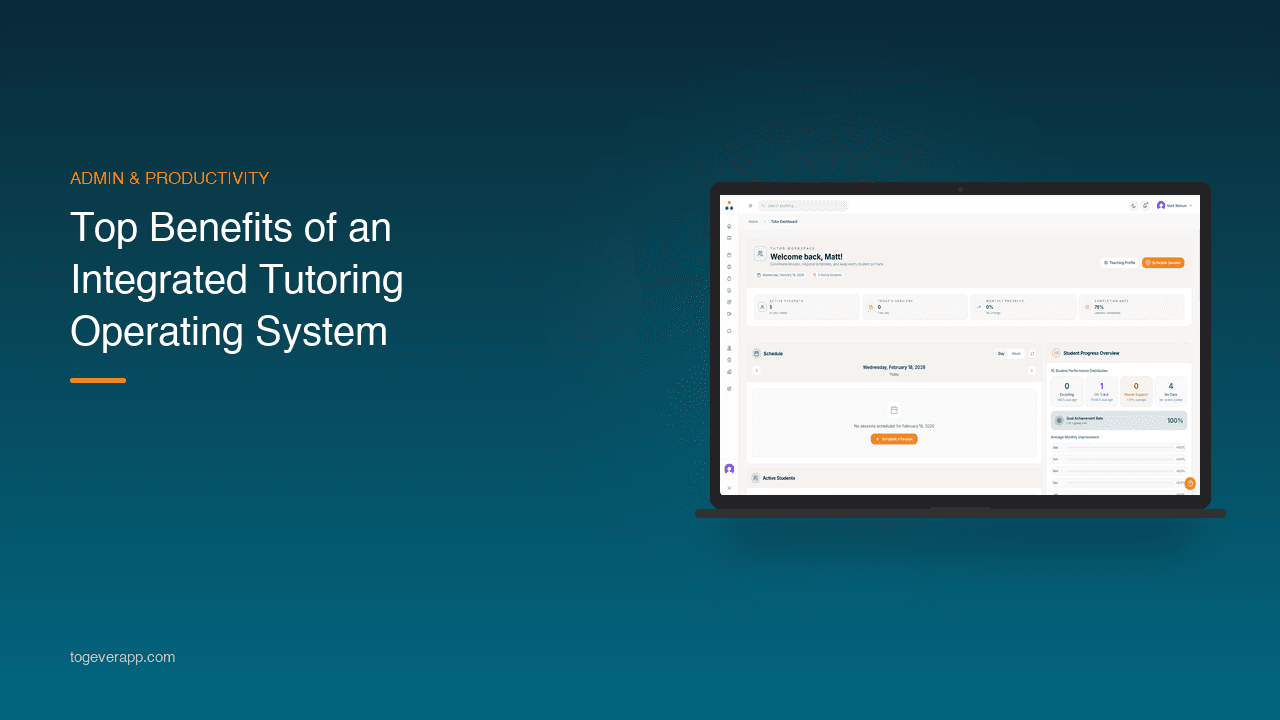
Why Independent Tutors Are Moving to All-in-One Platforms
Most independent tutors run their business across five or six different tools. Zoom for sessions. Google Docs for resources. WhatsApp for parent updates. A spreadsheet for tracking progress. Stripe or bank transfers for payments. It works — until it doesn't. An integrated tutoring operating system brings everything into one place, so you spend less time on admin and more time actually teaching.
What Is a Tutoring Operating System?
A tutoring operating system is a single platform designed to handle the core functions of a tutoring business: live teaching, course delivery, scheduling, progress tracking, parent communication, and payments. Unlike general-purpose tools adapted for tutoring, it's built specifically for the way tutors work.
Think of it as the difference between assembling furniture from five different shops and buying a set designed to fit together. The individual pieces might be fine on their own, but an integrated system removes the gaps between them.
1. One Login, One Dashboard, One Workflow
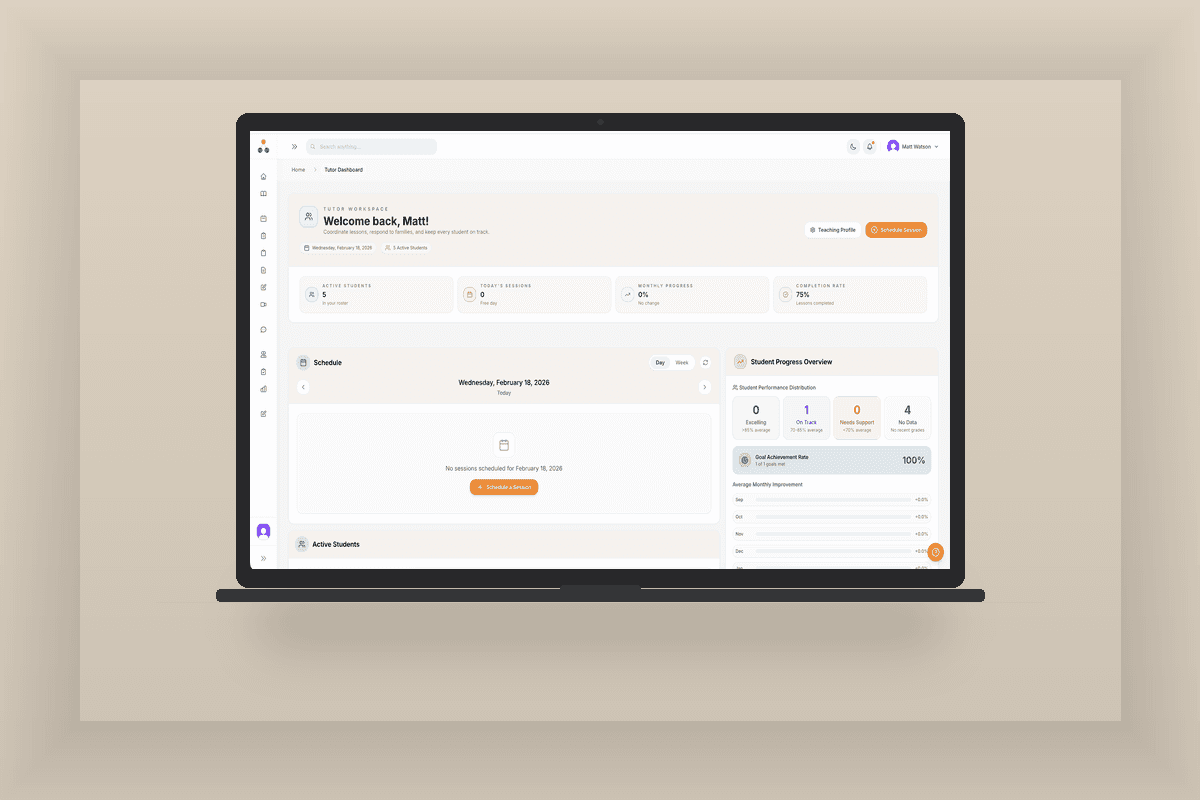
The most immediate benefit is simplicity. Instead of switching between tabs, copying links, and cross-referencing spreadsheets, everything lives in one place. Your upcoming sessions, student progress, outstanding invoices, and course materials are all visible from a single dashboard.
This isn't just a convenience — it's a time saving. Tutors who move from scattered tools to an integrated system consistently report saving several hours per week on admin alone.
2. Sessions and Teaching Tools Work Together
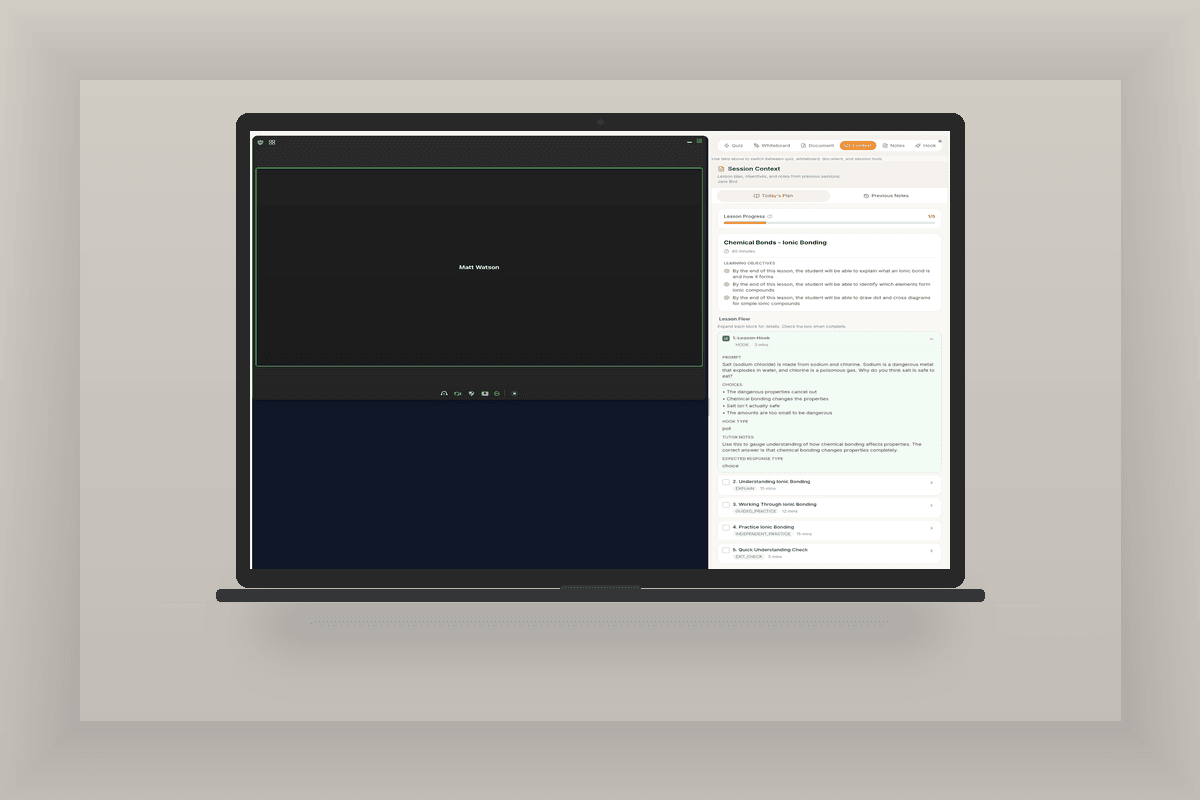
In a disconnected setup, you schedule a session in one app, join a video call in another, pull up resources from a third, and take notes in a fourth. An integrated system connects these steps:
- The session appears in your calendar with the video link attached
- Your lesson plan and previous notes load automatically
- Whiteboard, quizzes, and document annotation are available in-session
- Notes captured during teaching become the session record
Nothing falls through the cracks because everything is connected by design.
3. Progress Tracking Happens Automatically
When your teaching tools, assessments, and courses are all in the same system, progress tracking stops being a separate task. Session notes, quiz results, homework completion, and course milestones feed into a single student timeline.
Instead of writing reports after each lesson or updating a spreadsheet manually, progress is captured as a natural byproduct of teaching. You review it rather than create it.
4. Parents Get Visibility Without Extra Messaging
One of the biggest time drains for tutors is responding to parent messages. “How did the session go?” “What should they revise?” “Can I see the invoice?” These are reasonable questions, but answering them individually after every session doesn't scale.
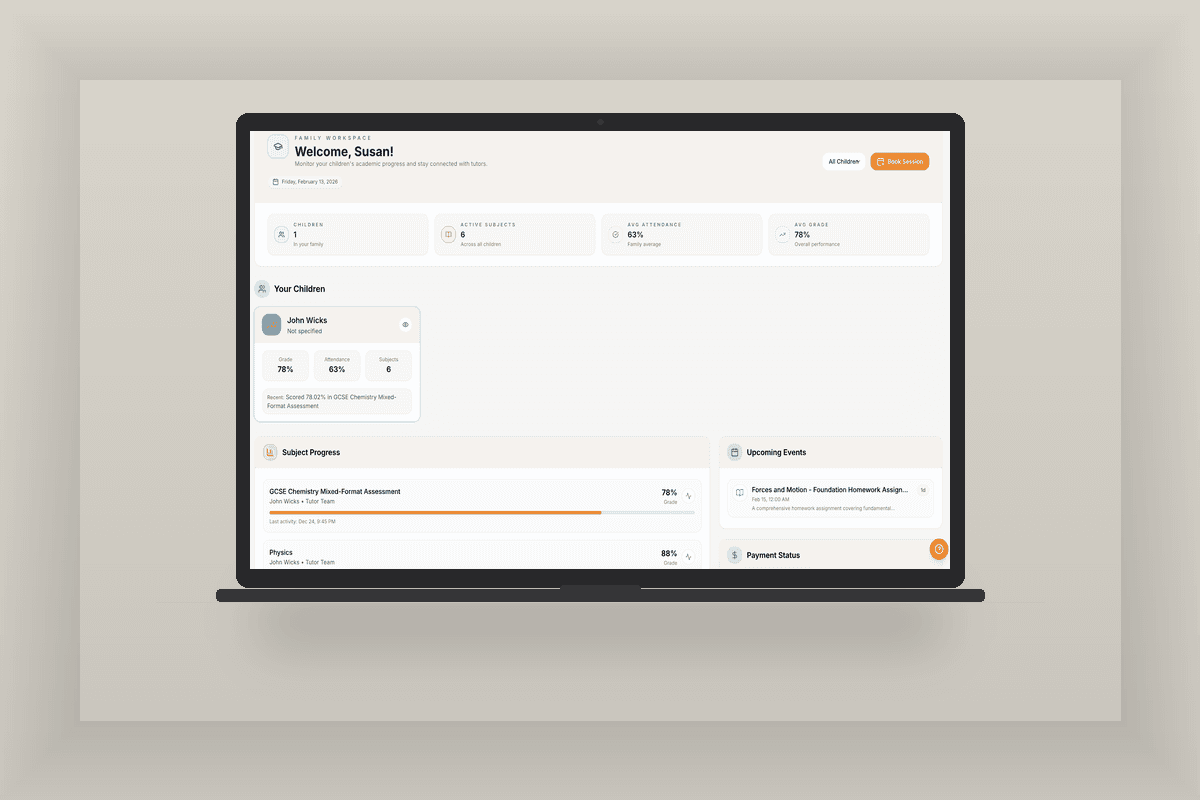
An integrated system gives parents their own dashboard where they can see session summaries, upcoming bookings, progress updates, and payment history. The information is already there — parents can access it on their own terms.
This builds trust without adding to your workload. Parents feel informed. You stop repeating yourself.
5. Scheduling and Payments Are Connected
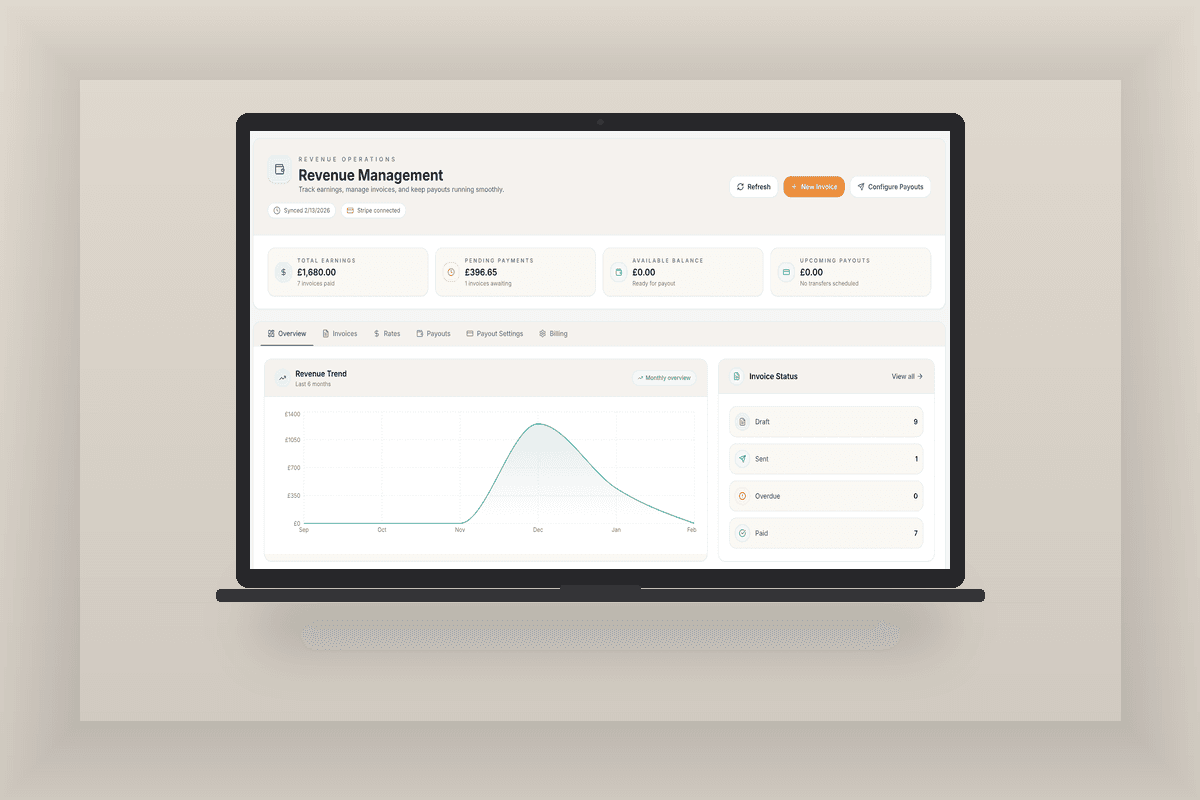
When scheduling and payments live in separate tools, things get messy. Sessions happen but invoices are sent late. Payments come in but you're not sure which sessions they cover. Cancellations require manual adjustments in multiple places.
In an integrated system, scheduling and invoicing are linked. Sessions generate invoices. Payments are tracked against specific bookings. Cancellation policies can be applied automatically. The financial side of your business runs in the background instead of requiring constant attention.
6. Your Business Looks More Professional
Perception matters. When a parent enquires about tutoring and receives a WhatsApp voice note, a Google Docs link, and a bank transfer request, it works — but it doesn't feel professional. Compare that to a branded portal where they can see their child's progress, book sessions, and pay invoices in one place.
An integrated system makes a solo tutoring practice feel like a well-run business. That credibility helps with client retention, referrals, and the confidence to charge what you're worth.
7. It Scales When You Do
Scattered tools work reasonably well with five students. At fifteen, they start to strain. At thirty, they break. The spreadsheet becomes unmanageable. Messages pile up. Invoices get missed.
An integrated platform scales with you. Whether you take on more students, hire another tutor, or expand into group sessions, the system handles the complexity. You grow your teaching, not your admin.
What to Look for in a Tutoring Operating System
Not all platforms are equal. When evaluating options, consider:
- Built for tutoring — not adapted from a generic CRM or LMS. The workflow should match how tutors actually teach and run their business.
- Live session tools — video integration, whiteboard, quizzes, and document annotation should be part of the session experience, not bolted on.
- Parent visibility — families should have their own view of progress, schedules, and payments without you manually sharing updates.
- Integrated payments — invoicing and payment tracking should be connected to sessions and scheduling, not a separate process.
- No marketplace model — you should own your student relationships and data, not rent them from a platform that takes a cut of every session.
If you're weighing up different options, the Togever comparison page breaks down how different platforms handle these areas.
The Real Cost of Staying Fragmented
It's easy to think, “My current setup works fine.” And it might — for now. But fragmented tools have hidden costs:
- Hours spent on admin that could be spent teaching or resting
- Missed invoices and late payments
- Inconsistent parent communication
- Difficulty scaling beyond a handful of students
- A less professional impression on new families
These costs compound over time. An integrated system doesn't just save time today — it creates capacity for growth tomorrow.
Final Thoughts
Independent tutoring is rewarding work, but running the business around it shouldn't feel like a second job. An integrated tutoring operating system replaces the patchwork of tools most tutors rely on with a single, purpose-built platform. Sessions, courses, progress, communication, and payments all work together — so you can focus on teaching.
If you're spending more time on admin than you'd like, it might be time to consolidate.
Start your free trial to see how Togever brings everything together, or request a walkthrough to see it in action first.